
AI DESIGN
Get started faster
Turn a brief into an editable AI draft, then build on it.

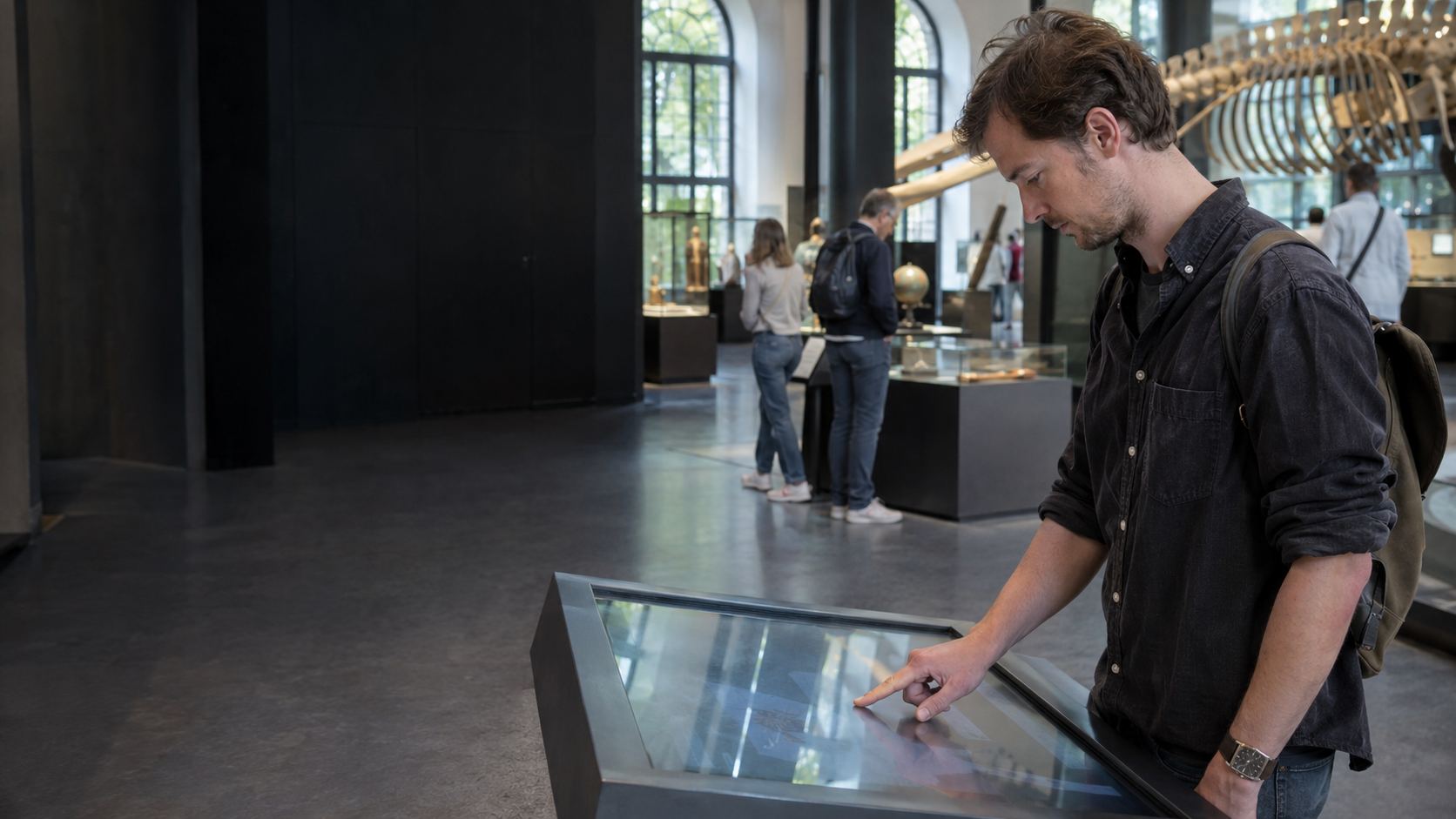
Less repetitive work. More room for the experience.
Turn a brief into an editable AI draft, then build on it.
Let app actions control devices and device input trigger content.
Edit content and interactions visually. Reuse layouts across your project.
Preview and package in one workflow for standalone desktop delivery.
EXPLORE THE DESIGNER
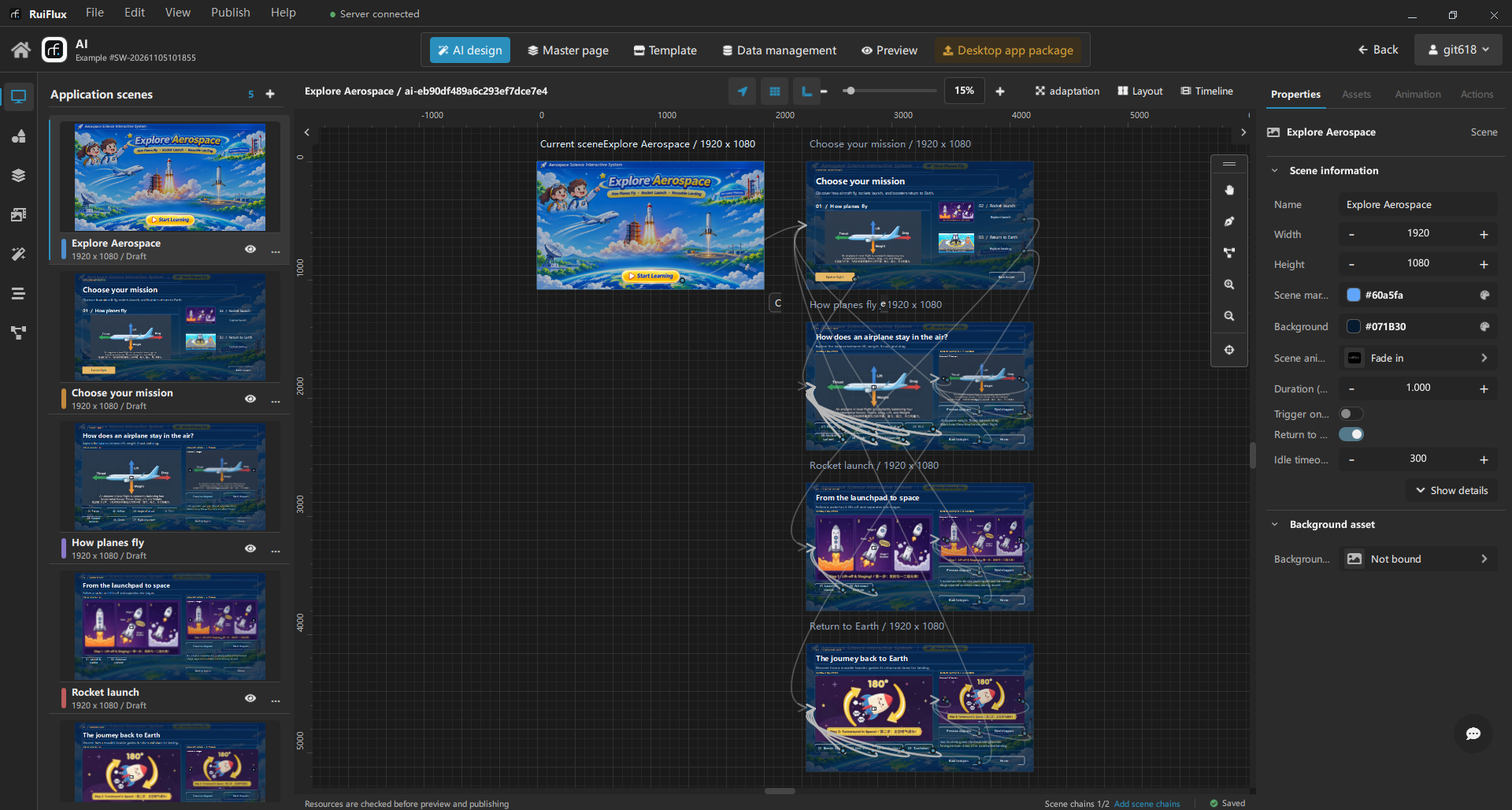
Start with an AI-assisted draft, refine scenes and shared layouts, and configure the actions that connect your content and devices.
Hardware interaction
Bring device commands and input into your interactive app. Configure connections, commands, and response rules alongside your content.
Link a button or app event to a configured device command.
Use incoming device messages to trigger scene changes, media playback, and other content responses.
Desktop application
Get the RuiFlux desktop designer for Windows. macOS and Linux versions are planned.
Windows 10/11 · 64-bit
Apple silicon / Intel
x86-64
Workflow
Keep control of the result as you refine the design, configure device interactions, and prepare your app for installation.
Share your requirements and selected assets with a connected AI assistant. Review an editable draft, request changes to a page or selection, and apply it when you are ready.
Arrange scenes, reuse master pages, and fine-tune content, animations, and visitor interactions on the canvas.
Configure device connections and commands. Link app actions to commands and incoming device messages to content responses, then test with your hardware.
Check the visual experience and package a standalone desktop app. Verify hardware behavior, activation, and network requirements on the installation device.
Use cases
From product demos for small businesses to installations for exhibition teams, turn your content into interactive experiences with AI-assisted design and visual authoring.

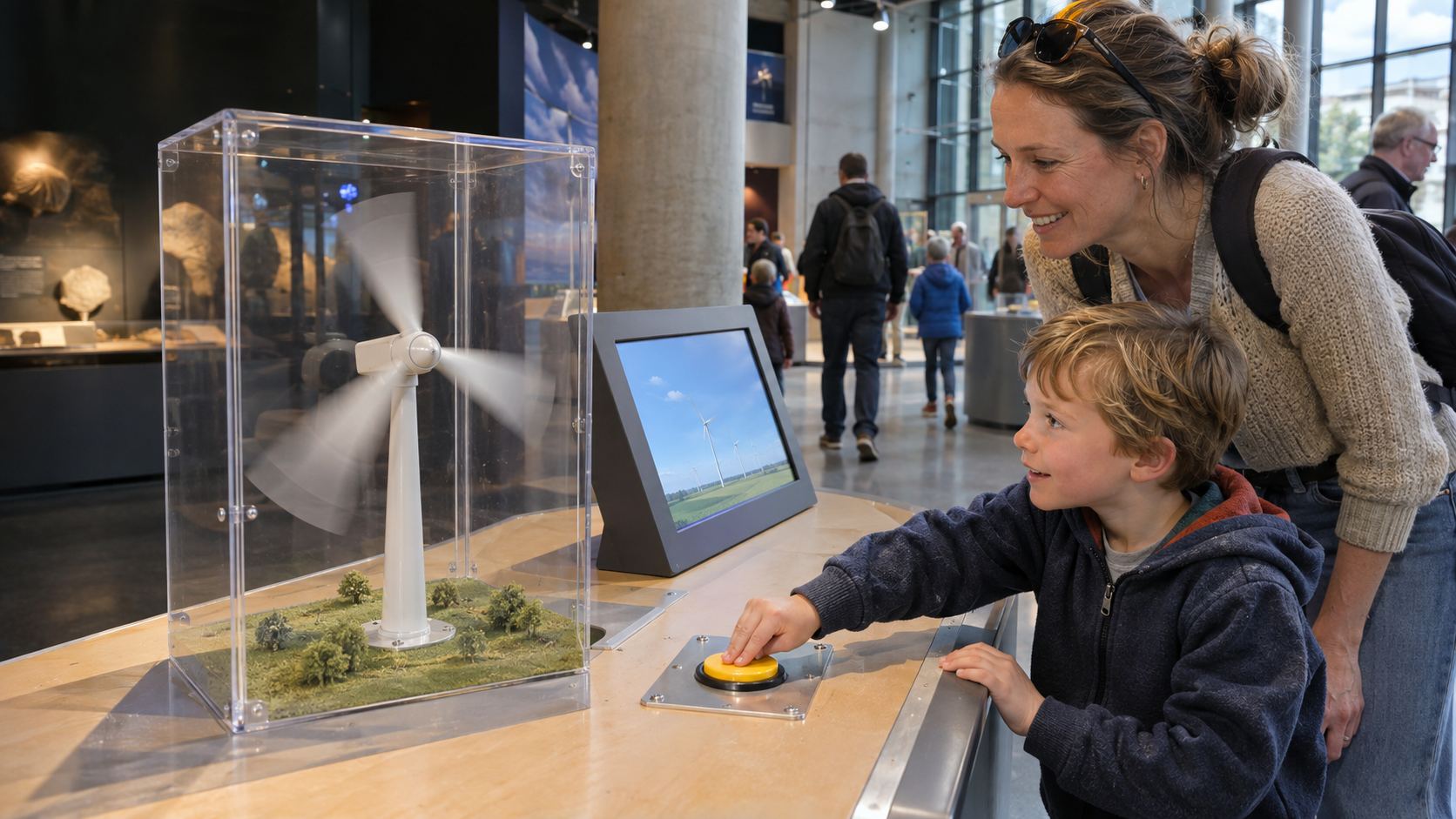
Make exhibit stories easier to explore and update.
Explore this use case
Turn scattered product materials into a presentation you can keep updating.
Explore this use case
Help visitors find places and information on their own.
Explore this use case
Spend less effort rebuilding interfaces and more on the installation.
Explore this use case
Turn explanations into activities people can take part in.
Explore this use case
Bring branded content and visitor participation into one experience.
Explore this use caseMake exhibit stories easier to explore and update.
Explore this use caseTurn scattered product materials into a presentation you can keep updating.
Explore this use caseHelp visitors find places and information on their own.
Explore this use caseSpend less effort rebuilding interfaces and more on the installation.
Explore this use caseTurn explanations into activities people can take part in.
Explore this use caseBring branded content and visitor participation into one experience.
Explore this use caseIllustrative use cases. Hardware interaction requires compatible devices, configured connections, and testing on site.
Resources
Learn how to create your first app, preview it, and prepare it for installation.
Check product information, supported platforms, and installation requirements.
Start with reusable layouts for exhibits, guides, 3D displays, and device controls.
Pricing
Design and preview your project, then use publishing points for a production release. Points are charged only after a successful release.
Partnerships
Talk to us about licensing, project support, and ongoing partnerships for your studio or integration team.
RUIFLUX / INVITATION
Explore AI-assisted design and hardware interaction in the RuiFlux desktop workspace.
Design interactive apps with AI assistance and hardware interaction in RuiFlux. Create and refine scenes, connect app actions with device commands and input, then preview and package a standalone desktop app in one visual workspace.
Share your requirements and selected assets with a connected AI assistant. Create editable scenes or refine a page or selection, review the draft, and apply the changes when you are ready. AI draft previews do not send device commands.
How does AI-assisted design work? →Configure device connections, commands, and incoming-message rules. Link app actions to device commands and use device messages to trigger content responses. Test compatibility with your devices at the installation site.
How can my app interact with hardware? →Create scenes, add your media and components, and choose what happens when visitors interact. Preview your project, then publish it as a desktop app. Review the experience in preview, then test it on the computer your visitors will use.
How do I build an app with RuiFlux? →RuiFlux helps small businesses, exhibition teams, visitor venues, integrators, educators, and event teams create product presentations, interactive exhibits, visitor guides, and event experiences.
What can I build with RuiFlux? →Sign in with your RuiFlux account to read the detailed product guides. You can browse product information and use cases on this website without signing in.
How can I access the product documentation? →You need an activated license to publish. Points are charged only after a successful release. Canceling a release or a failure during preparation does not use points. Contact our team for current plans and pricing.
How do licensing and publishing points work? →RuiFlux Designer is available for Windows 10/11 (64-bit). macOS and Linux versions are planned. Check the download section for the available Windows installer.
Which desktop platforms are currently available? →To request a trial or discuss project support, email business@ruiflow.top. Include your organization, contact details, project plans, and timeline. Registration currently requires an invitation.
How can I request access or project support? →