Media and collections
Images, video, audio, carousels, photo flows, and flip books.

RUIFLUX / PLATFORM
Use AI to shape an editable draft. Bring scenes, media, visitor interactions, and device actions together, then preview and prepare your desktop app for installation.
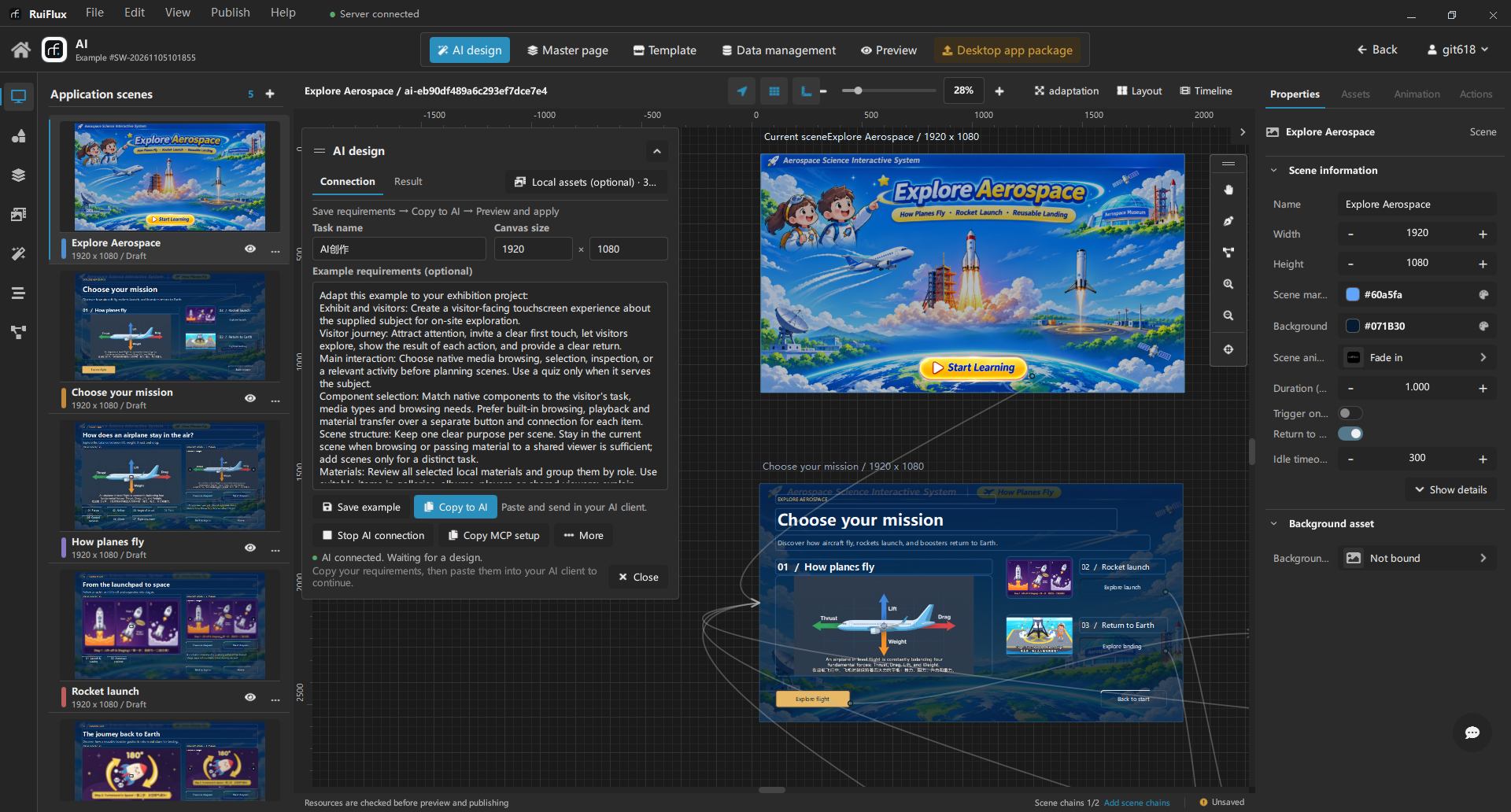
RUIFLUX / AI
Share your requirements and selected assets with a connected AI assistant. Generate scenes, or refine a page or selection. Review the draft in RuiFlux before applying it.
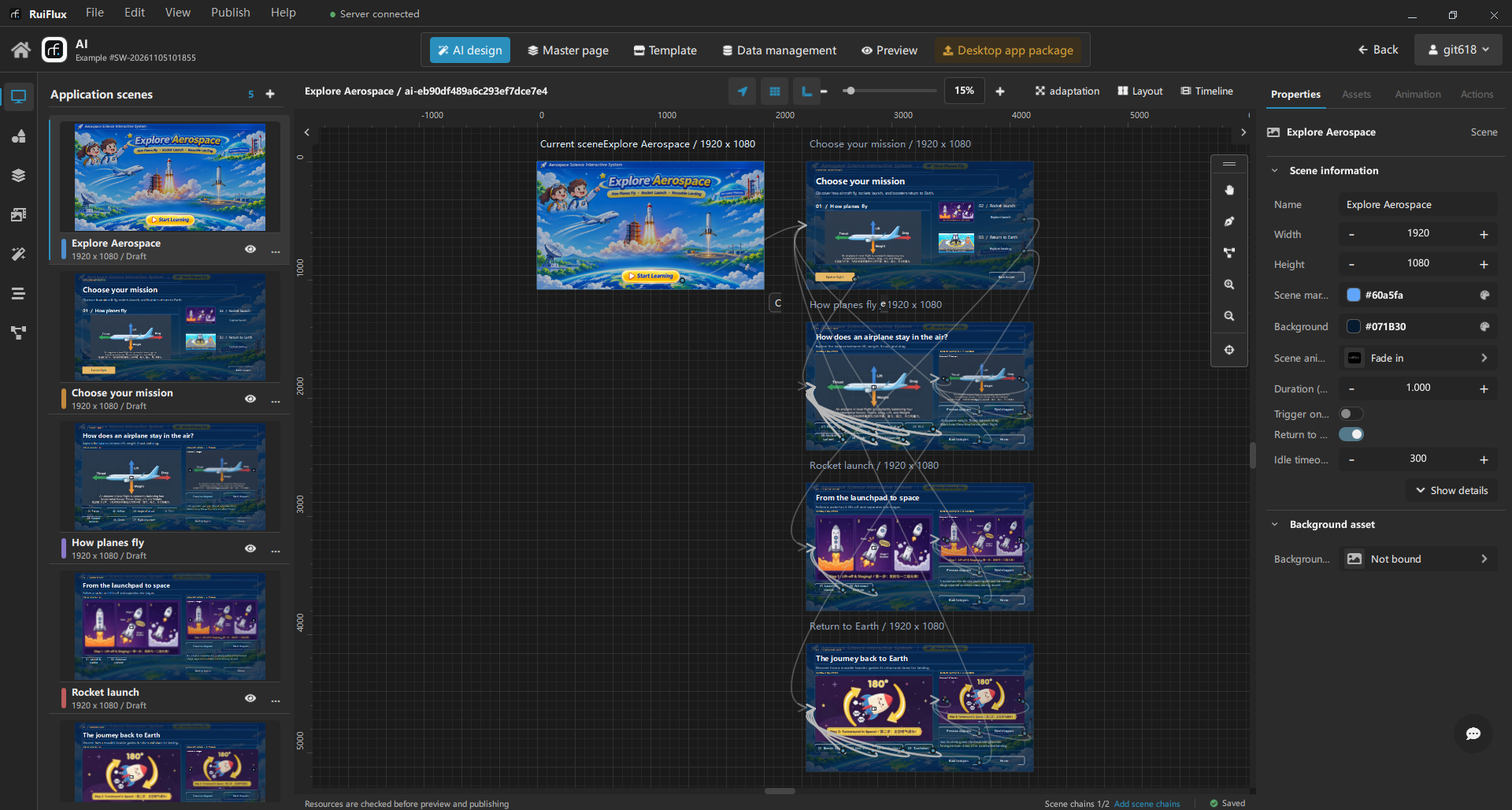
RUIFLUX / CANVAS
Arrange pages and layers on the visual canvas. Reuse shared layouts with master pages, align components, and adjust their properties as your project develops.
RUIFLUX / INTERACTION
Link buttons and hotspots to navigation, media, and other component actions. Configure device commands and incoming-message responses when your installation needs them.
RUIFLUX / DELIVERY
Review your scenes and interactions in preview, check that your media is ready, and package a standalone desktop app. Test the experience on the computer that will run it.
RUIFLUX / Platform
Bring your content to life with ready-to-use browsing, playback, and input controls.
Images, video, audio, carousels, photo flows, and flip books.
Interactive maps, 3D models, documents, and hotspots.
Data lists, pagination, quizzes, timers, and counters.
Camera capture, signatures, signature albums, and capture galleries.
Animation tools and device interaction require an eligible plan. Feature availability depends on your version and plan.
Design interactive apps with AI assistance and hardware interaction in RuiFlux. Create and refine scenes, connect app actions with device commands and input, then preview and package a standalone desktop app in one visual workspace.
Share your requirements and selected assets with a connected AI assistant. Create editable scenes or refine a page or selection, review the draft, and apply the changes when you are ready. AI draft previews do not send device commands.
Configure device connections, commands, and incoming-message rules. Link app actions to device commands and use device messages to trigger content responses. Test compatibility with your devices at the installation site.
Create scenes, add your media and components, and choose what happens when visitors interact. Preview your project, then publish it as a desktop app. Review the experience in preview, then test it on the computer your visitors will use.
RuiFlux Designer is available for Windows 10/11 (64-bit). macOS and Linux versions are planned. Check the download section for the available Windows installer.